


It's Time TO SUPPORT JLO'S
RECENT era AND
MAKE THAT
#1
intro
This landing page is created only for support purposes among the closed group of JLovers.
Charts reflect sales and airplay between Friday and Thursday of any given week. Streaming platforms include:
-
On-Demand: Spotify, Apple Music, Tidal, Amazon Music, YouTube, Facebook, etc.
-
Programmed: Pandora, LiveXLive Powered by Slacker, iHeartRadio, etc.
Paid subscriptions have more weight:
1,250 streams = 1 album unit
ad-supported subscriptions:
3,750 streams = 1 album unit


Limit your buying to 1 copy/card per week.
-
Buy the title track first, then buy/complete the album. If you can’t complete the album, buy as many individual tracks as you can.
-
Do not gift the song directly using iTunes, as it does not count on Billboard.
-
If using iTunes + Apple Music, “delete downloads” on Apple Music after buying so your streams count
-
Do not use VPN!
-
If you have already purchased the album/songs before, you cannot repurchase them. What you can do is create another Apple ID and use the same card (that you have used in the past tracking period) again once that week.
purchase.album


stream.album

You can get 3 months free of Spotify Premium when you sign up with PayPal HERE

You can get 3 months free of Apple Music HERE
-
Stream With Playlists
-
Make a playlist and add the songs multiple times, and make sure you add a few other songs from the same/different artist.
-
Make sure to turn off AUTOPLAY (Home > Settings > Playback > Off).
-
Listen to the FULL album first, then start using your focused playlists.
-
DO NOT CREATE 24-HOUR PLAYLISTS: 2- to 4-hour playlists are ideal. When streaming, you can queue several shorter playlists & have them count as streams. Avoid creating "overnight" playlists that are 8-9 hours.
-
Don’t Put the Volume on Mute
While streaming, do not put the song(s) on mute. Otherwise, they won’t count towards streaming. If it does bother you, try using headphones — you don’t have to put them in your ears — or putting the volume on low.
-
Use Multiple Devices to Stream
To increase streams, try streaming from as many accounts and devices as possible, like your phone and your computer.
-
Don’t Use a VPN to Stream
Big charts such as the Billboard 200 are based on streams from specific regions. But platforms have gotten savvy to fans from other locations using VPNs to boost streams, and now they won’t count those streams


-
Log In, Log Out, Log In, Log Out
Repeatedly log out of YouTube, clear your cookies/cache, log back in, search for the video, and play it manually. This not only increases views but also increases search volume which could help boost SEO. Afterall, YouTube is just Google for videos.
-
Use Multiple Devices to Stream
Stream from one account on your computer and another from your phone. Or your mom’s phone. Or your teacher’s laptop. Or your best friend’s tablet.
-
Keep YouTube’s Volume Up
Always keep the YouTube volume on; it’s okay to mute the actual device.
-
Interact with the Video
Interact with the video by liking and commenting, but do not spam.
Pause, play, and rewind every so often so you do not appear to be a bot.

Movie
.stream &
support

Unique streams is the total count of unique streaming sessions. It's the same as the total count of customer Play button clicks.
For example, if a fan starts watching a title in a web browser, switches to a mobile device, and then continues on Fire TV it's counted as three unique streams.

Shazam the song of each part in the movie.
This will help the songs chart and go viral.
Your Shazams on the same song will only be counted once per 24 hours - you better also invite your friends to do this, while you 're watching the movie.



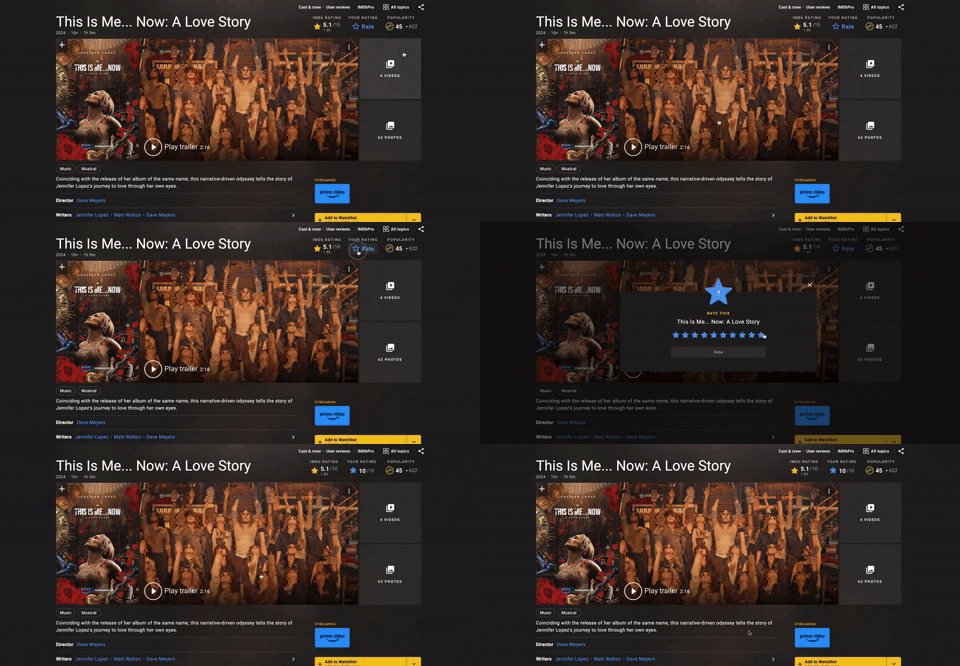
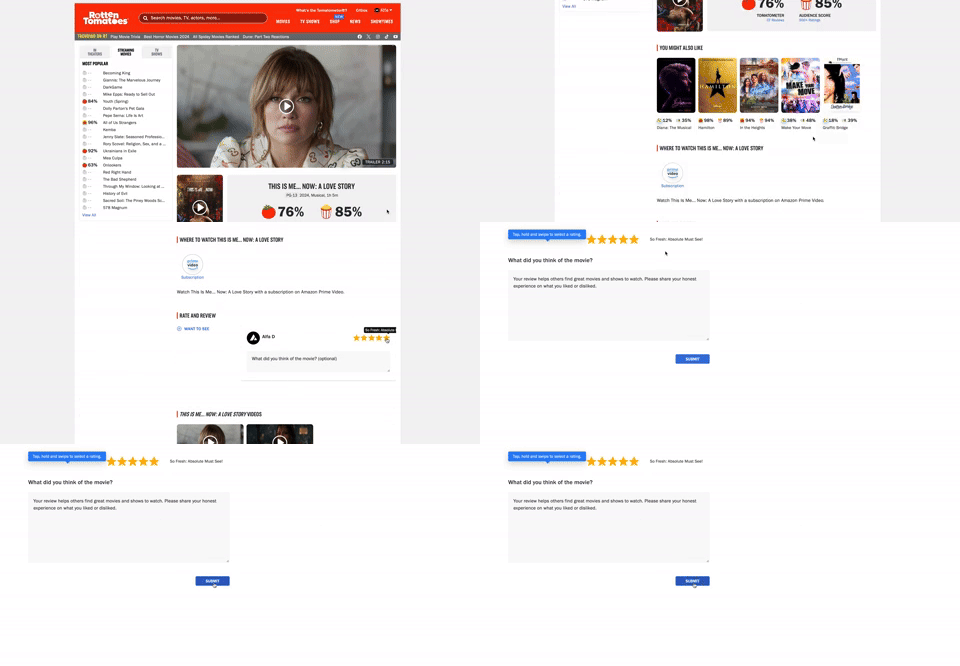
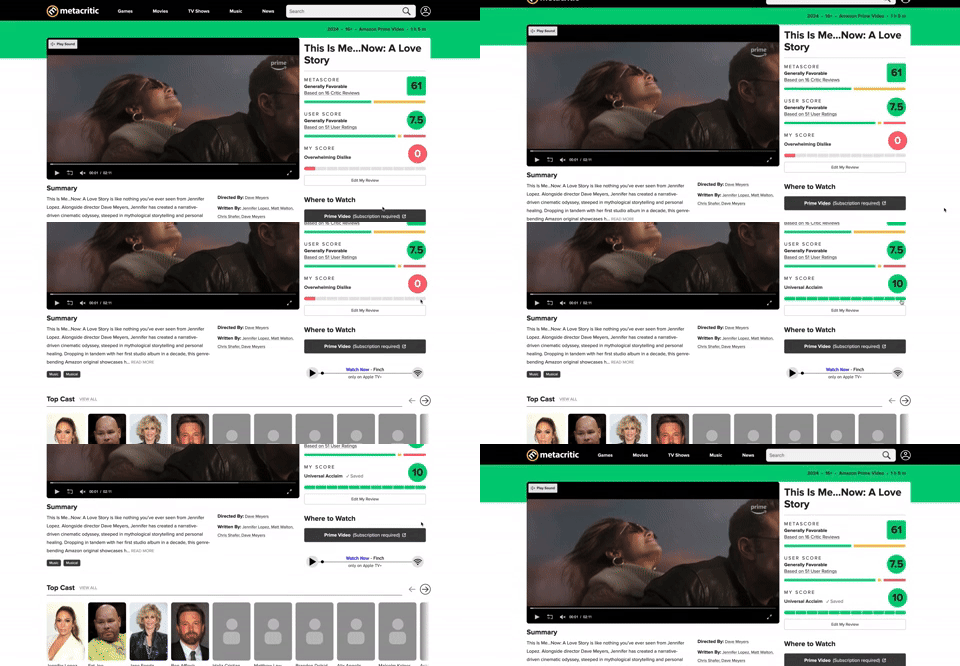
Really important to leave full-stars-rating to the movie.
You can use multiple profiles with different e-mails or google accounts.
Use ChatGPT o generate you multiple positive reviews for the movie and you can write them on each platform.
thank you
JLovers

please share it wisely
feel free to chat me for further clarifications